Notification
In an effort of being efficient, the platform will alert you with any updates on projects, chats, or tasks to help you maximize your time and focus.
Last updated About 2 months ago
How to View
Click the three vertical dots/More on the lefthand menu.
Select Notifications.
Initial View
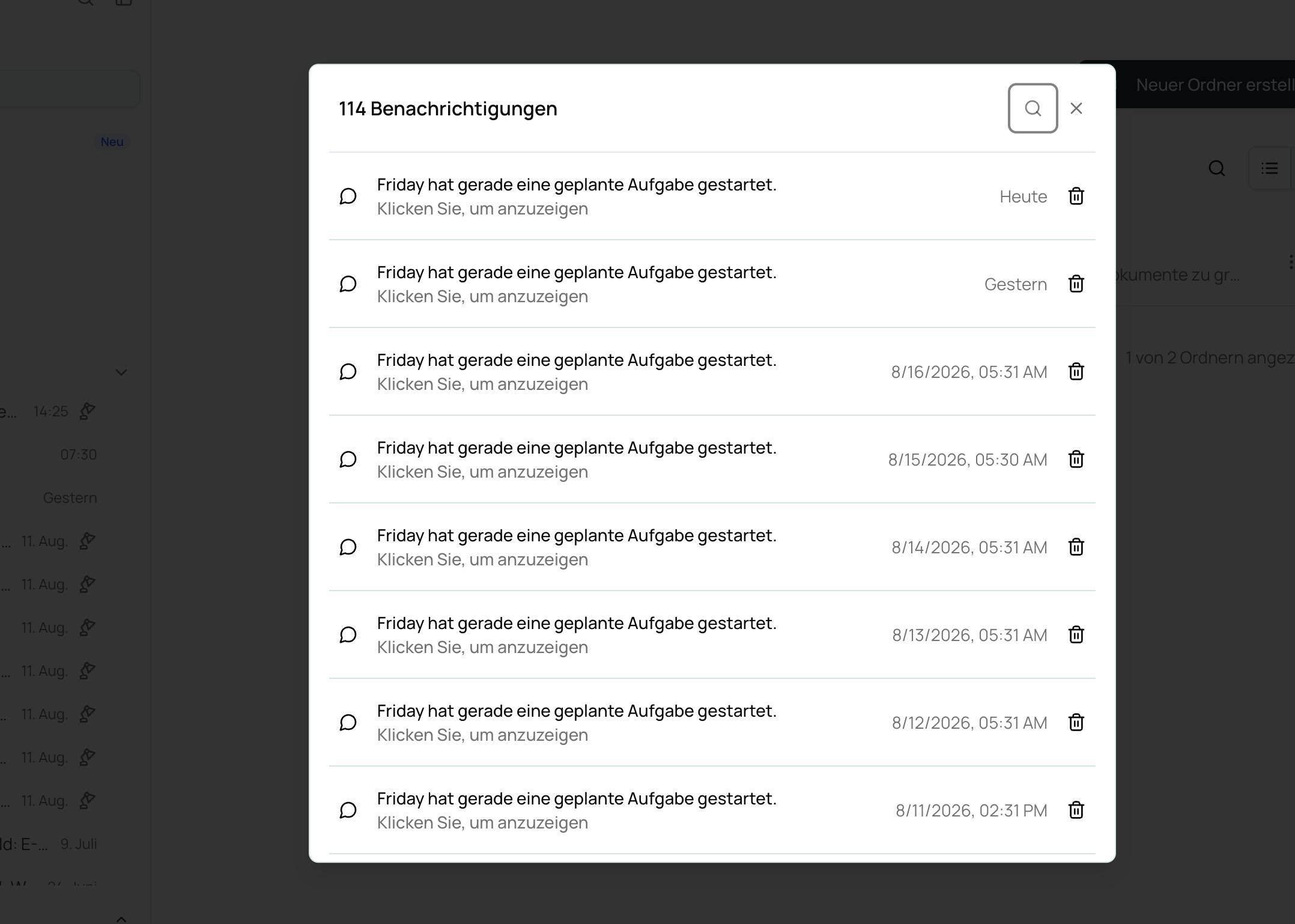
Once you select Notifications, you will see a list of all current and past notifications. Here you can:
View the date
Search for specific notifications
And most importantly, “Click to view” to see greater details