Log in to Your Account
Follow this quick setup to unlock your dashboard and connect to your team of AI agents!
Login Invitation
Before accessing the platform, ensure you have received an invitation or login link. Your access is typically established in one of three ways:
Direct Website Registration: You signed up directly on the official 913.ai website
Corporate Test Accounts: A test account was created through direct contact with the 913.ai team
Administrator Invitations: Your team administrator invited you to join their active team platform
Registration Steps
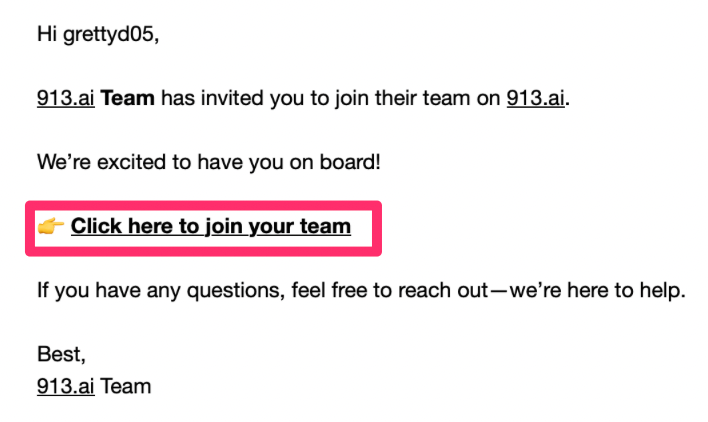
Locate the invitation email sent by the 913.ai Team and click Click here to join your team
Enter the exact email address where you received the invitation.
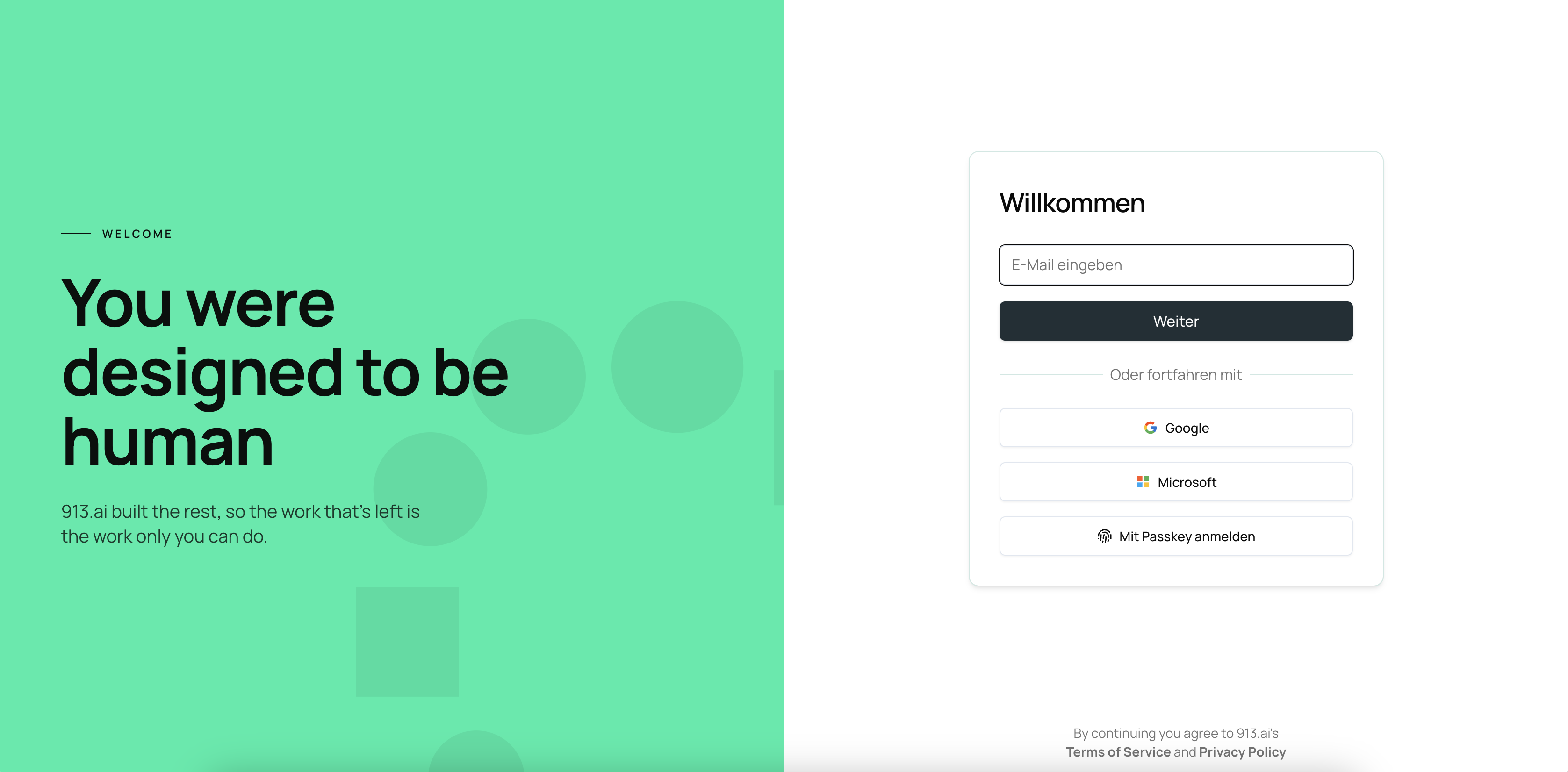
Set a strong, secure password and click Sign Up (or choose to log in via Google, Microsoft, or Passkey).
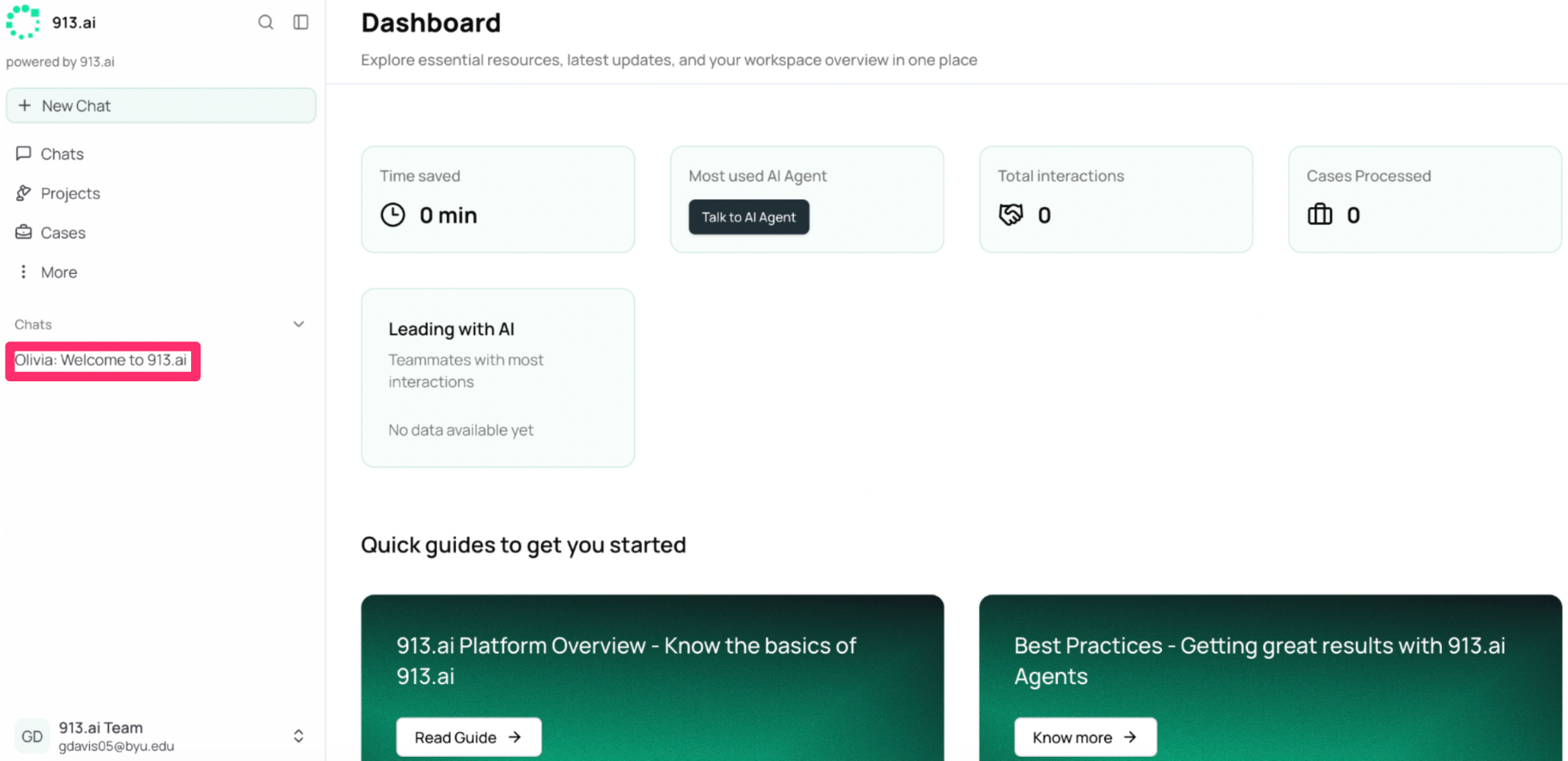
Once registered, the main dashboard will be your first view of the 913 platform. Here, you can monitor your team's total time saved, track active cases, and access quick guides to help you get started right away.
Click on the Welcome to 913 guide with Olivia for a quick introduction to the platform!